
Field & Workforce Operations
WFMS: Workforce
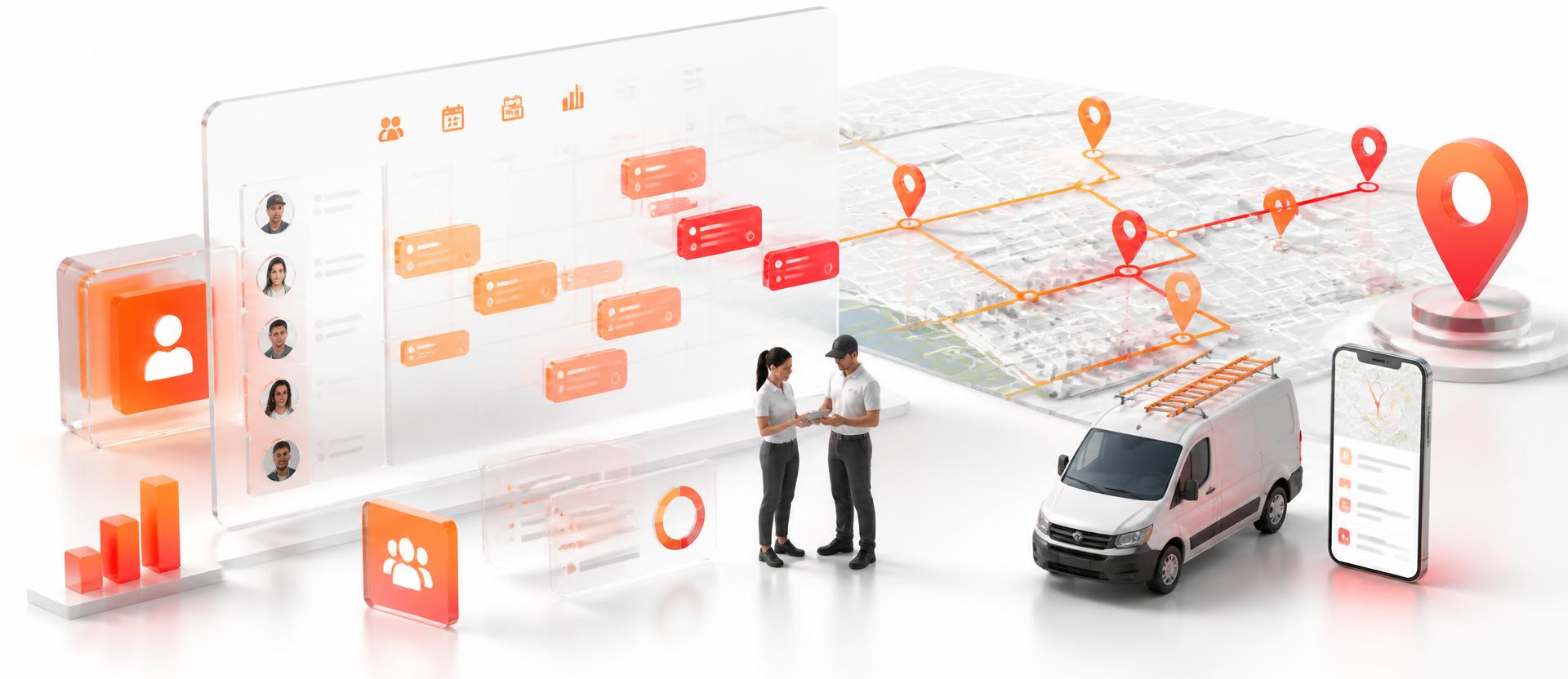
A workforce management system (WFMS) for field and distributed teams: attendance, live location, rosters and offline-capable mobile capture.

Overview
WFMS gives operations leaders live control of field and distributed teams. Attendance, location, rosters and task reporting run on web and mobile, and the app keeps working offline in low-connectivity sites: syncing automatically the moment signal returns.
WFMS gives operations leaders real-time control of teams working away from a desk. Attendance and exit times are captured with biometric and geo-tagged verification, supervisors see who is where on a live map, and rosters are planned and adjusted across sites from the web console. The mobile app is offline-first, which matters in low-connectivity regions: field staff keep working with no network and queued data syncs automatically once signal returns, without duplicate entries.
Built for
- Field service and installation teams
- Multi-site operations with roster-based shifts
- Programs working in low-connectivity regions
Outcomes you can measure
Offline
First by design
Field data is never lost, even with no connectivity for hours.
Live
Field visibility
Supervisors see who is where, and what is done, in real time.
-25%
Idle field time
Better routing and roster discipline lift jobs completed per day.
What's inside
Functional modules that ship with WFMS: Workforce, configurable to your process.
Attendance & time tracking
Entry/exit capture with biometric and geo-tagged verification.
Live workforce location
Real-time positions, movement roadmaps and coverage views on a map.
Rosters & scheduling
Shift planning, assignment and exception handling across sites.
Offline-first mobile app
Full capture without network; queued data syncs on reconnect.
Alerts & notifications
Push notifications for assignments, breaches and escalations.
Reporting & visualization
Productivity, attendance and field-activity dashboards.
Key capabilities
- Entry and exit time capture with biometric and geo-tagged verification
- Live workforce location, movement roadmaps and coverage views
- Roster planning, shift assignment and exception handling across sites
- Offline-first mobile app with automatic sync on reconnect
- Push notifications, attendance reports and productivity dashboards
How we roll it out
- 1
Site survey
Assess sites, devices, connectivity and attendance rules.
- 2
Configure
Set up shifts, geo-fences, forms and escalation rules.
- 3
Pilot
Run one region or team, tune thresholds and reports.
- 4
Scale
Roll out nationally with training and 24/7 support.
Integrates with
Relevant portfolio
Delivery work where WFMS: Workforce or the same capability solved a real enterprise problem.

IOT
Nectrac: IoT-Based GPS Tracking with Geo-fence
A robust GPS software system: BI coupled with GIS tagging.
Read case study
IOT
IoT-Based Agro Life Connection for Govt of Uganda
Digitalising farmers' activities, connecting, monitoring and executing all agricultural processes.
Read case study
BI Analytics
NPS: App-based Network Performance Management System
Network performance management, KPI monitoring & alarm management system.
Read case studyFrequently asked
What happens with no network?
The mobile app stores captures locally and syncs automatically once connectivity returns: no duplicate entry.
Can it feed payroll?
Yes, verified attendance and overtime data can flow into Nectar HRMS or your existing payroll system.
Is location tracking configurable?
Tracking windows, geo-fences and privacy rules are set per role and shift.
More products

AI Chatbot
An artificial intelligence (AI) chatbot built on Rasa that resolves routine customer conversations and hands the rest to an agent with full context.
Explore
NT3: ITSM Tool
An IT service management (ITSM) platform for providers running many customers, contracts and service-level agreements (SLAs) on shared infrastructure.
Explore
Nectar HRMS
A human resource management system (HRMS) covering the full employee lifecycle: core HR, leave, attendance, payroll, hiring and appraisals.
Explore